Updated picks for Windows 10 & Windows 11

Top 5 Free Video Editing Software for Windows 10 & 11

These top video editors are ideal for creators who want free, easy-to-use tools. They’re lightweight video editors for Windows 10 and 11, and they don’t require a subscription.. Each pick includes key specs and an Download link.

No subscription required Windows 10/11 compatible Good for beginners & hobbyists

Best 5 Free Video Editors (Windows 10 & 11)

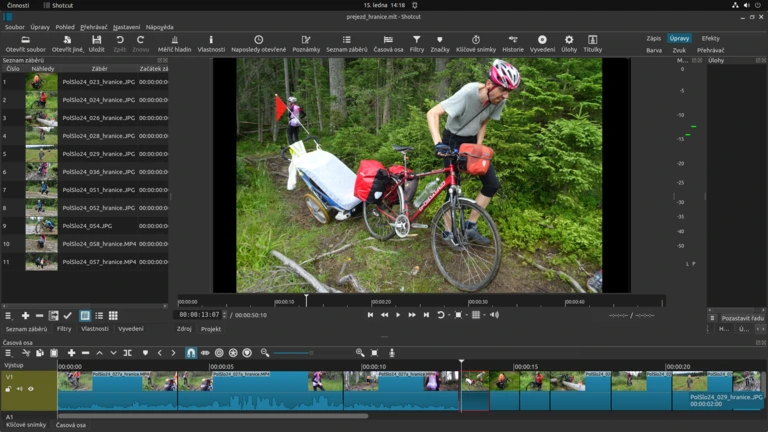
1) Shotcut

Best for: open-source & formats

Shotcut is a free, open-source editor that handles a wide range of codecs and frame sizes. A strong choice for “free open-source video editor for Windows 11”.

  • License: Open-source (GPL)
  • Windows: 10 / 11 (64-bit)
  • Highlights: Filters, keyframes, timeline
  • Good for: 1080p/4K hobby projects
  • Export: Many presets (YouTube, H.264, etc.)
  • Notes: UI can feel “pro” at first
Source: shotcut.org (official). Always verify checksums if available.
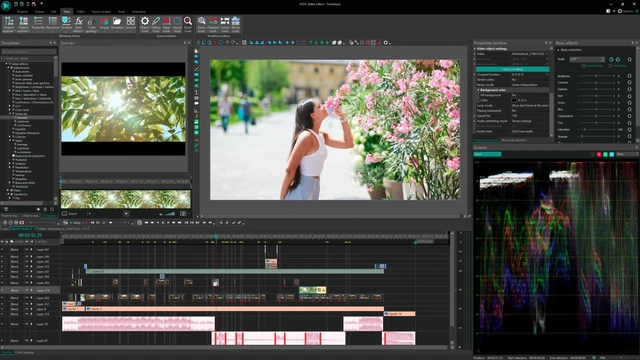
2) VSDC Free Video Editor

Best for: low-end PCs

VSDC is a popular free editor on Windows that can run well on modest hardware. Great for “free lightweight video editor for Windows 10 and 11”.

  • License: Freeware (optional Pro)
  • Windows: 10 / 11
  • Highlights: Effects, masking, color tools
  • Good for: Tutorials, basic edits, slideshows
  • Export: MP4 (H.264), presets, device profiles
  • Notes: Non-linear workflow (layers)
Source: videosoftdev.com (official). Decline optional extras during install if offered.

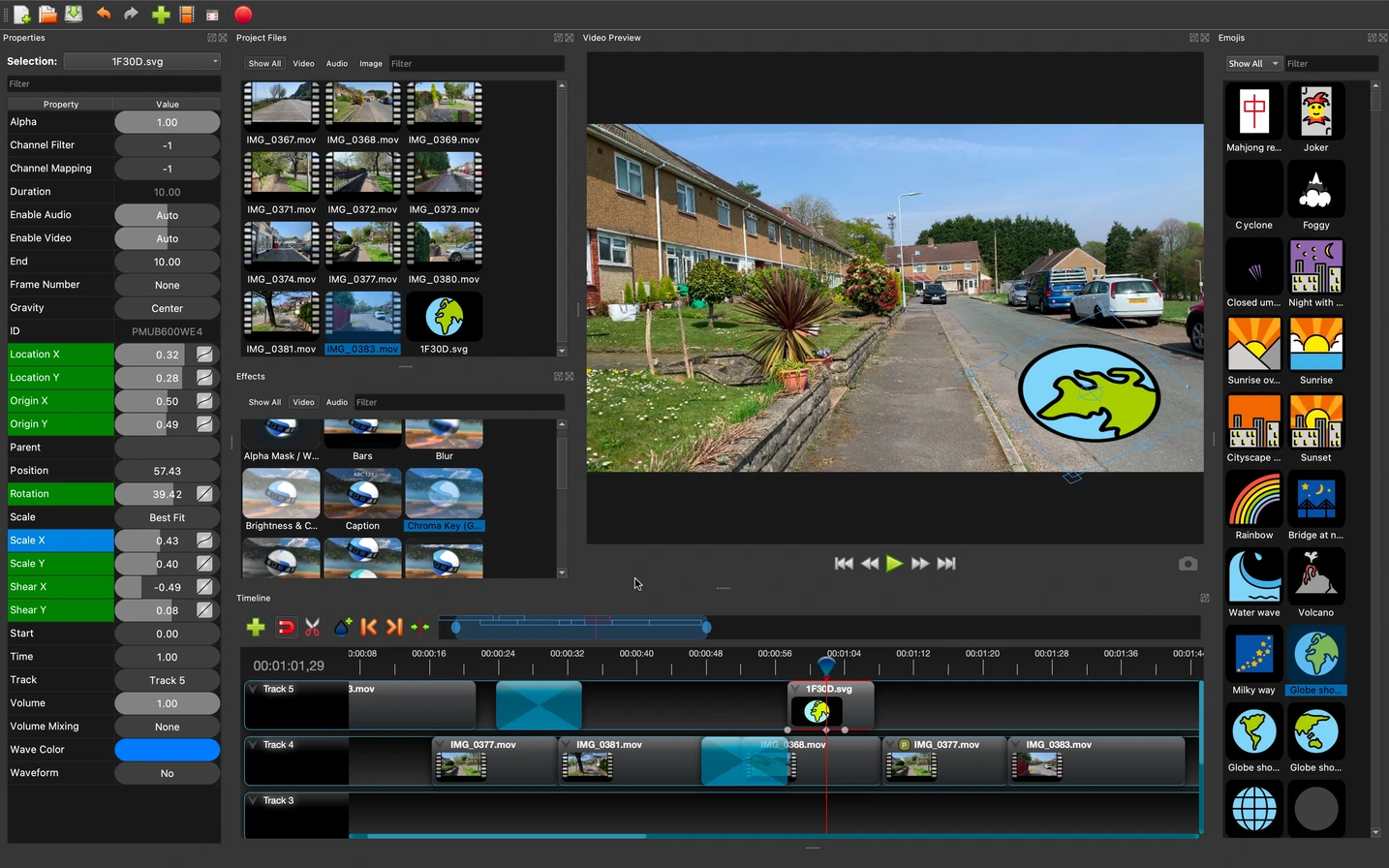
3) OpenShot Video Editor

Best for: beginners

OpenShot is an approachable, open-source editor with a friendly timeline. Best for “simple free timeline video editor for Windows 11 and 10”.

  • License: Open-source
  • Windows: 10 / 11
  • Highlights: Drag & drop, transitions, titles
  • Good for: Quick edits, school projects
  • Export: Common formats via FFmpeg
  • Notes: Heavy projects may need patience
Source: openshot.org (official).

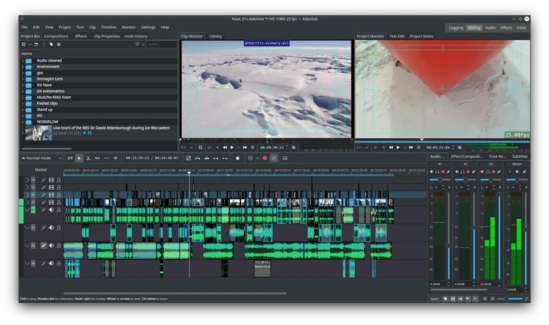
4) Kdenlive (Windows build)

Best for: advanced features (free)

Kdenlive is a feature-rich open-source editor with multi-track timelines and strong tooling. Useful for “free advanced video editor Windows 10 and 11” without subscriptions.

  • License: Open-source (GPL)
  • Windows: 10 / 11
  • Highlights: Multi-track, proxy editing, effects
  • Good for: Longer videos, multi-clip edits
  • Export: Profiles for web & high quality
  • Notes: Proxies recommended for 4K
Source: kdenlive.org (official). Choose the Windows installer from the Download page.

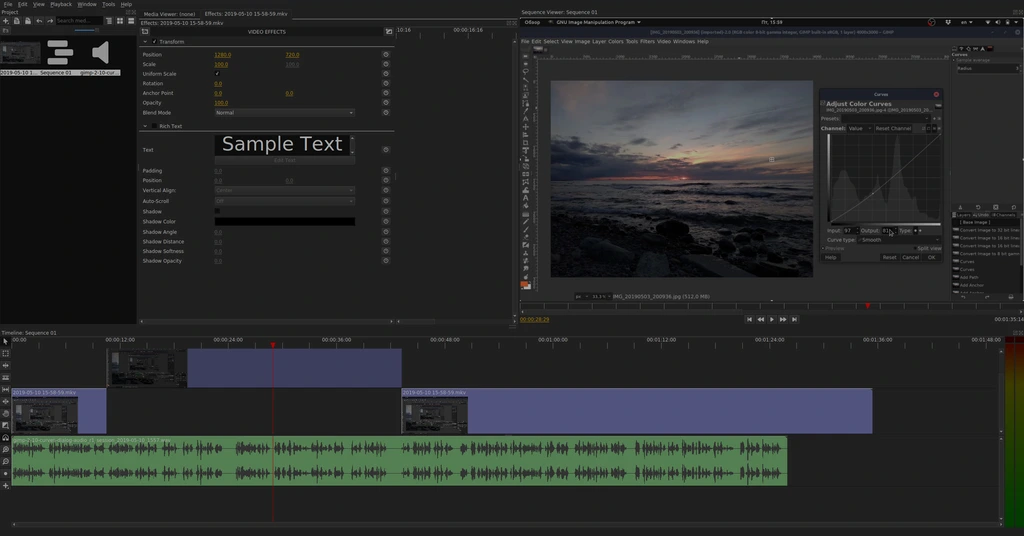
5) Olive Video Editor

Best for: lightweight experimentation

Olive is an open-source editor that many users try when they want something fast and minimal. Good for “lightweight open-source editor for Windows 11 and 10”.

  • License: Open-source
  • Windows: 10 / 11 (builds vary)
  • Highlights: Clean UI, basic timeline
  • Good for: Short edits and learning
  • Export: Common formats (varies by build)
  • Notes: Project status may be experimental
Source: olivevideoeditor.org (official). Prefer stable releases if available.

About Us

Who we are

FreeVideoEditorHub.com is a small informational site that curates beginner-friendly and lightweight video editing options for Windows 10 and Windows 11.

How we choose tools

  • Must offer a free version suitable for basic editing.
  • Must have an Download page (linked).
  • Must be practical for common tasks: trimming, timeline edits, exporting MP4.

We are not affiliated with the software vendors listed. Product names and trademarks belong to their owners.

Terms & Conditions

1. Informational content

The content on this website is provided for general informational purposes only. We do not guarantee that the information is complete, accurate, or up to date.

2. No affiliation

We are not affiliated with, endorsed by, or sponsored by the software vendors mentioned. Links are provided for user convenience.

3. Downloads and third-party websites

When you click an “Download” button, you will leave our website. We are not responsible for content, privacy practices, or security of third-party sites.

4. Limitation of liability

To the maximum extent permitted by law, we are not liable for any damages arising from the use of this website or any software linked from it.

5. Contact

For questions, use the contact section below or email contact@freevideoeditorhub.com.

Privacy Policy

What we collect

  • Contact form data: if you submit the form, we may receive your name, email, and message.
  • Basic technical data: like browser type and approximate location (only if you enable analytics on your hosting).

How we use data

  • To respond to inquiries you send us.
  • To maintain and improve the website.

Third-party links

We link to official vendor websites. Their privacy policies apply once you leave our site.

Data retention

We retain contact messages only as long as needed to respond and maintain records, unless a longer retention is required by law.

Your rights

Depending on your location, you may have rights to access, correct, or delete your personal data. Contact us at freevideoeditorhub.com.

Cookie Policy

What are cookies?

Cookies are small text files stored on your device to help websites function and remember preferences.

Cookies used on this site

  • Consent preference: stored in your browser via localStorage as cookieConsent.
  • No analytics by default: this template does not include analytics scripts.

How to manage cookies

You can clear or block cookies in your browser settings. If you disable cookies, some site features may not work.

Contact

Send us a message